> ## Documentation Index
> Fetch the complete documentation index at: https://stratengineai.com/docs/llms.txt
> Use this file to discover all available pages before exploring further.
# Client proposals
> Draft a consulting proposal for a client with the Proposal Builder, then edit it, export it or turn it into a deck.
The Proposal Builder drafts a consulting project proposal for a client. Open **Proposal Builder** in the side menu, describe the client's business, and click **Generate Proposal**. The proposal opens in the document viewer, where you can edit it with AI, export it or generate a deck from it.
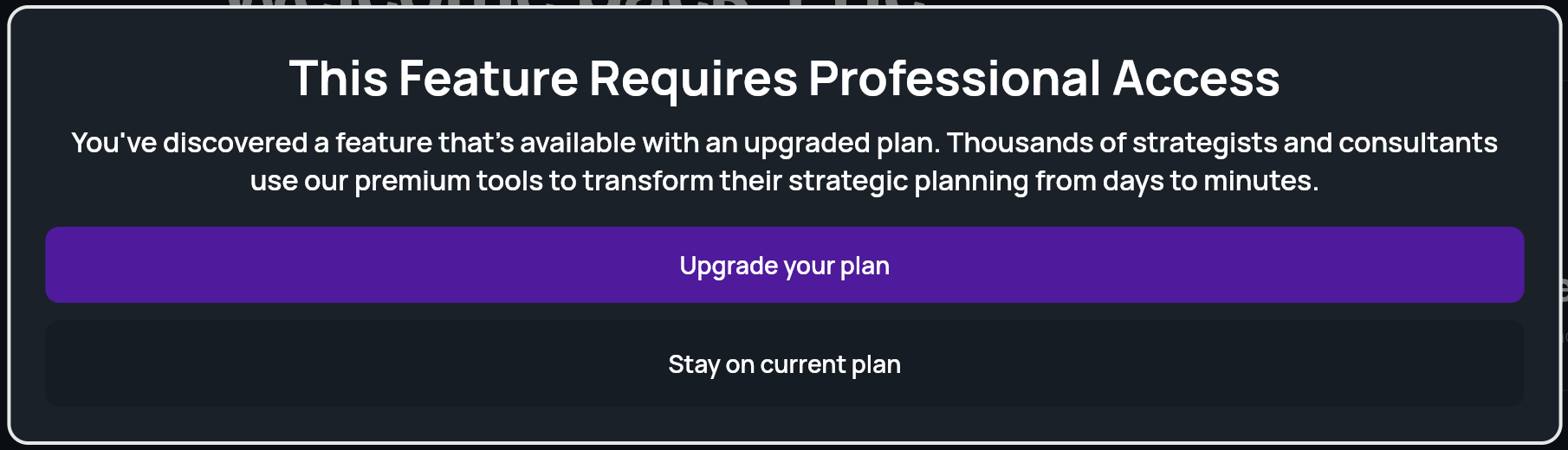
The Proposal Builder is included with the Professional plan. On other plans, including pay-as-you-go, the menu shows **Proposal Builder \[Upgrade]** with a lock, and clicking it opens an upgrade window. See [Strategy plans](/docs/strategy/billing/plans) and [pricing](https://stratengineai.com/#pricing).
 ## Generate a proposal
In the side menu, click **Proposal Builder**. You can also click the **Proposal** tile on Home.
The page is titled **Proposal Generation** and has two steps: **Context** and **Generate**.
Under **Project Context** (**Generate a project proposal for your client**), fill in what you know about the client:
* **Project Name**: for your own reference. If blank, StratEngine uses the company name.
* **Company Name**: the client.
* **Business Summary**, **Industry**, **Market or Geography**, **Business Model**, **Target Customer** and **Key Products & Services**.
You can load a saved company or autofill the fields from a document, the same way as when you [generate a framework](/docs/strategy/generate-framework#fill-the-form-faster). Click **Continue** when you're done.
Click **Generate Proposal**. There's no depth choice for proposals. A progress overlay shows while the proposal is written, and then it opens in the document viewer.
To start a new proposal for a different client, click **New Project** at the top of the Proposal Generation page.
## Edit and share the proposal
The proposal opens in the same document viewer as a strategy brief, with the same toolbar:
* **Edit with AI** to change it by chatting with the AI Editor.
* **Export to Docs** to save it to your export destination.
* **View in Browser** to print it or save it as a PDF.
* **Generate Deck** to turn it into a presentation for the client.
See [Strategy briefs and Edit with AI](/docs/strategy/strategy-briefs) for how each works.
### Edit the proposal's sections directly
While a proposal is open, the side menu shows **Edit & Export Proposal** under **Proposal Builder**. It opens the **Edit Proposal** page, where each section of the proposal is an editable field that saves automatically, as on [framework results](/docs/strategy/framework-results#edit-the-results).
After editing, click **Generate Proposal Doc** at the bottom of the page to rebuild the proposal document from your edited sections. It then opens in the document viewer.
## If the proposal fails
If generation fails, you stay on the **Generate** step and see **Analysis failed. Please try again in a few minutes. If this persists, please contact support.** Wait a few minutes and click **Generate Proposal** again. If it keeps happening, email [help@stratengineai.com](mailto:help@stratengineai.com).
## Related
* [Strategy briefs and Edit with AI](/docs/strategy/strategy-briefs)
* [Generate a deck](/docs/strategy/decks/generate)
* [Export a document, print, or save as PDF](/docs/strategy/export-documents)
* [Saved companies](/docs/strategy/saved-companies)
## Related topics
- [Introduction](/docs/strategy/index.md)
- [Finding your way around](/docs/strategy/navigation.md)
- [File Manager](/docs/strategy/file-manager.md)
- [StratEngine documentation](/docs/index.md)
- [Run Blue Ocean Strategy in StratEngine](/docs/strategy/frameworks/blue-ocean.md)
This documentation is built and hosted on [Mintlify](https://mintlify.com), a developer documentation platform.
## Generate a proposal
In the side menu, click **Proposal Builder**. You can also click the **Proposal** tile on Home.
The page is titled **Proposal Generation** and has two steps: **Context** and **Generate**.
Under **Project Context** (**Generate a project proposal for your client**), fill in what you know about the client:
* **Project Name**: for your own reference. If blank, StratEngine uses the company name.
* **Company Name**: the client.
* **Business Summary**, **Industry**, **Market or Geography**, **Business Model**, **Target Customer** and **Key Products & Services**.
You can load a saved company or autofill the fields from a document, the same way as when you [generate a framework](/docs/strategy/generate-framework#fill-the-form-faster). Click **Continue** when you're done.
Click **Generate Proposal**. There's no depth choice for proposals. A progress overlay shows while the proposal is written, and then it opens in the document viewer.
To start a new proposal for a different client, click **New Project** at the top of the Proposal Generation page.
## Edit and share the proposal
The proposal opens in the same document viewer as a strategy brief, with the same toolbar:
* **Edit with AI** to change it by chatting with the AI Editor.
* **Export to Docs** to save it to your export destination.
* **View in Browser** to print it or save it as a PDF.
* **Generate Deck** to turn it into a presentation for the client.
See [Strategy briefs and Edit with AI](/docs/strategy/strategy-briefs) for how each works.
### Edit the proposal's sections directly
While a proposal is open, the side menu shows **Edit & Export Proposal** under **Proposal Builder**. It opens the **Edit Proposal** page, where each section of the proposal is an editable field that saves automatically, as on [framework results](/docs/strategy/framework-results#edit-the-results).
After editing, click **Generate Proposal Doc** at the bottom of the page to rebuild the proposal document from your edited sections. It then opens in the document viewer.
## If the proposal fails
If generation fails, you stay on the **Generate** step and see **Analysis failed. Please try again in a few minutes. If this persists, please contact support.** Wait a few minutes and click **Generate Proposal** again. If it keeps happening, email [help@stratengineai.com](mailto:help@stratengineai.com).
## Related
* [Strategy briefs and Edit with AI](/docs/strategy/strategy-briefs)
* [Generate a deck](/docs/strategy/decks/generate)
* [Export a document, print, or save as PDF](/docs/strategy/export-documents)
* [Saved companies](/docs/strategy/saved-companies)
## Related topics
- [Introduction](/docs/strategy/index.md)
- [Finding your way around](/docs/strategy/navigation.md)
- [File Manager](/docs/strategy/file-manager.md)
- [StratEngine documentation](/docs/index.md)
- [Run Blue Ocean Strategy in StratEngine](/docs/strategy/frameworks/blue-ocean.md)
This documentation is built and hosted on [Mintlify](https://mintlify.com), a developer documentation platform.