

Contact options
From inside the app
1
Open Feedback & Help
Click Feedback & Help near the bottom of the side menu. The Help & Feedback page opens.
2
Choose an option
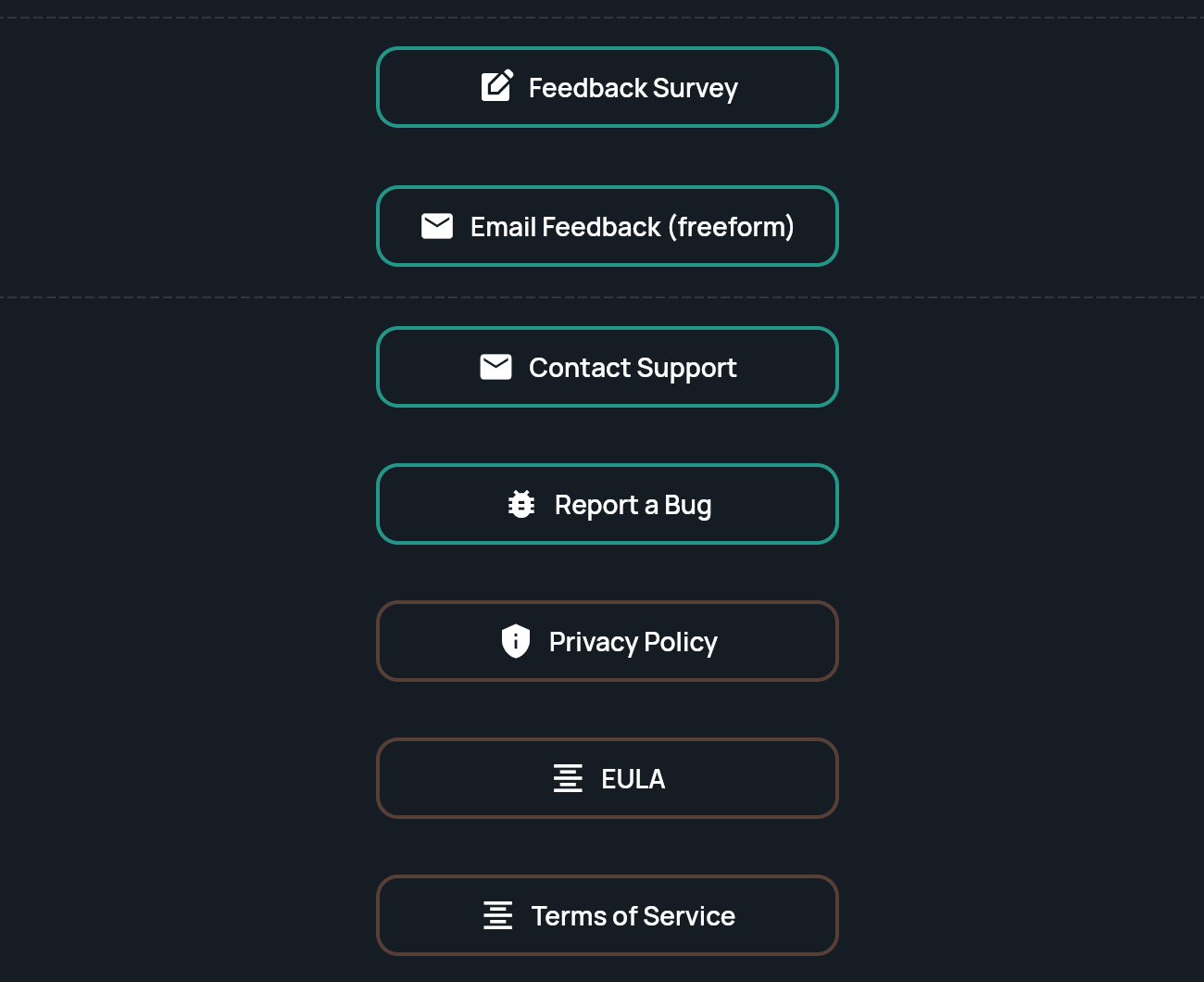
- Feedback Survey opens a short survey.
- Email Feedback (freeform) starts an email to the team.
- Contact Support starts an email to help@stratengineai.com.
- Report a Bug opens a bug report form.
What to include
Including these details helps the team answer without follow-up questions:- What you were trying to do and what you clicked.
- The exact message you saw, or a screenshot. Crop out anything confidential.
- The app version number, shown at the bottom of the side menu and the bottom of Settings.
- Whether you were in Strategy or VC.