

On the Free plan, uploads stop once your monthly memo allowance is used: dropping a deck opens the plan picker for admins, and members see Ask your admin to upgrade. On paid plans, decks past the allowance are analyzed and billed as overages. See VC plans and memo overages and pricing.
Upload decks
1
Open Upload
Click Upload in the side menu, or Pitch deck on Home.
2
Add decks
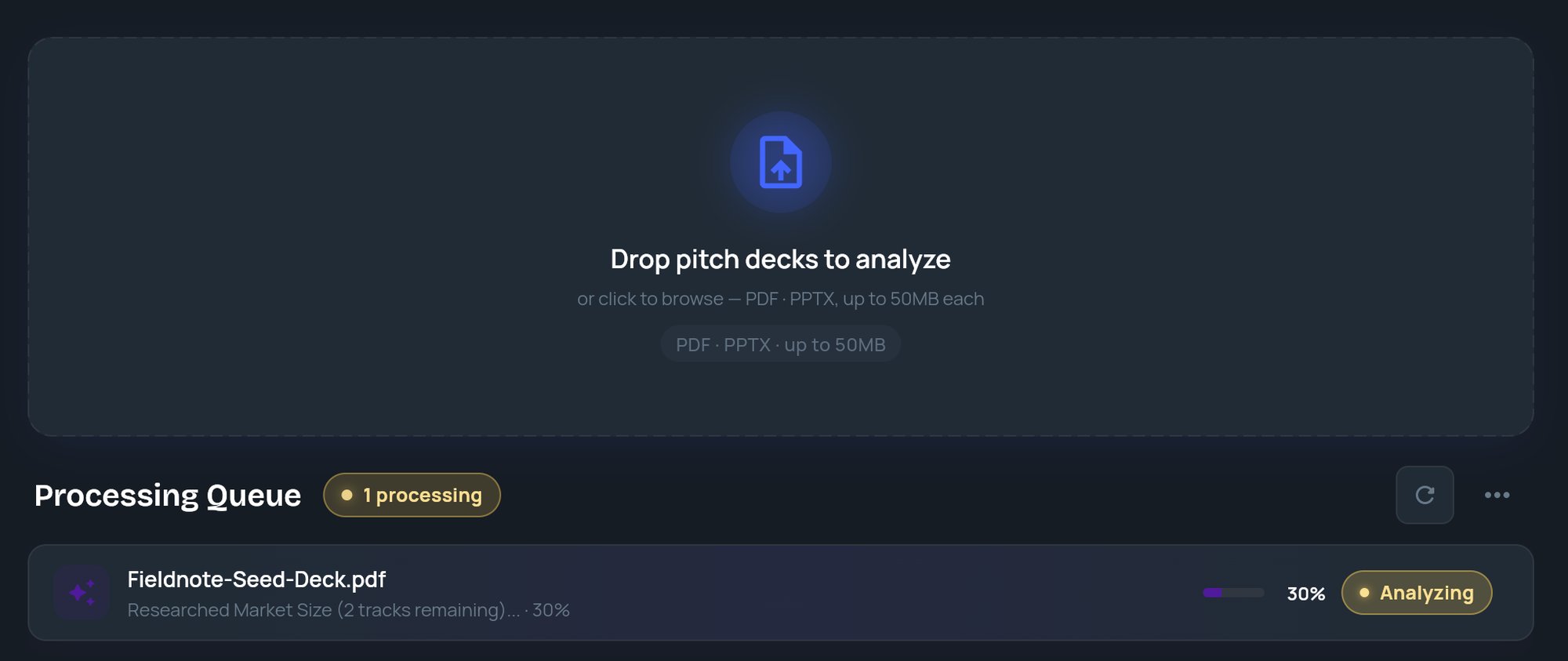
Drag files onto Drop pitch decks to analyze, or click it to pick files. You can add several at once. The box shows Uploading… while files are sent.
3
Watch the queue
Each deck gets a tile in Processing Queue with its status, the current analysis step and a percentage.
4
Open the memo
When a tile shows Done, its title changes to the company name. Click View to open the memo.
File rules
Processing Queue
The header shows counts such as 2 processing, 1 queued, 3 done and 1 error.
Clearing or hiding tiles only changes this view. It never deletes a memo or cancels an analysis.