

Side menu
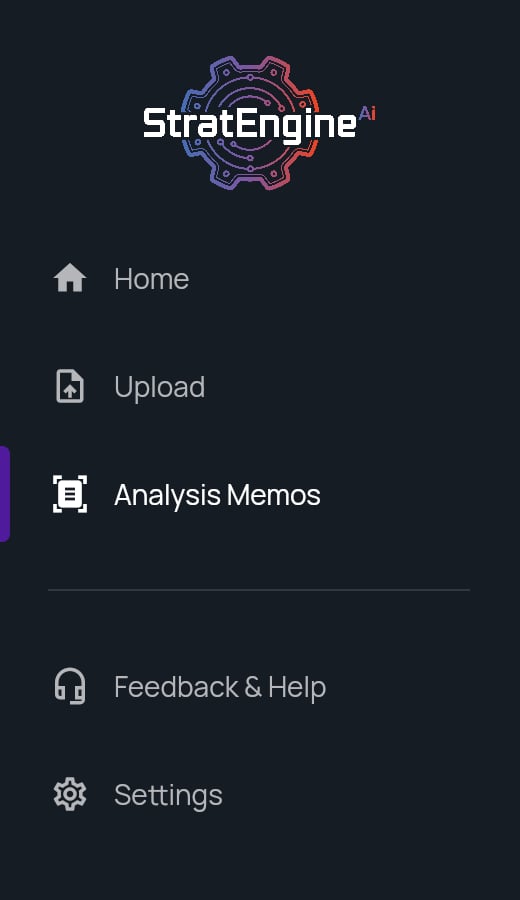
Home
Home changes based on your memos:
The tiles:
- Pitch deck (Upload and analyze a new deck) opens Upload.
- Memo (Review your pipeline or open a draft) opens Analysis Memos. Hidden until you have a memo.
- Framework (Shape how decks get analyzed) opens the framework editor. Hidden while Home shows the Pick or build a framework reminder.
Header and memo usage
The header on Home, Upload and the framework editor has a search box (Search generated files…), a Settings gear and, on VC plans (Free, Solo, Team, Network, Scale), the memo usage tracker:- N / M memos generated this billing period, with a progress bar.
- N days left in the period.
- At 80% of your allowance: Overages incur extra charges.
- Past your allowance: Extra charges apply.
The Free plan has no overages. The tracker says Uploads stop at your limit at 80% and Limit reached. Upgrade to add more. once the allowance is used. After that, dropping a deck opens the plan picker for admins, and members see Ask your admin to upgrade. Overage rates and allowances are on the pricing page; how overages work is in VC plans and memo overages.