

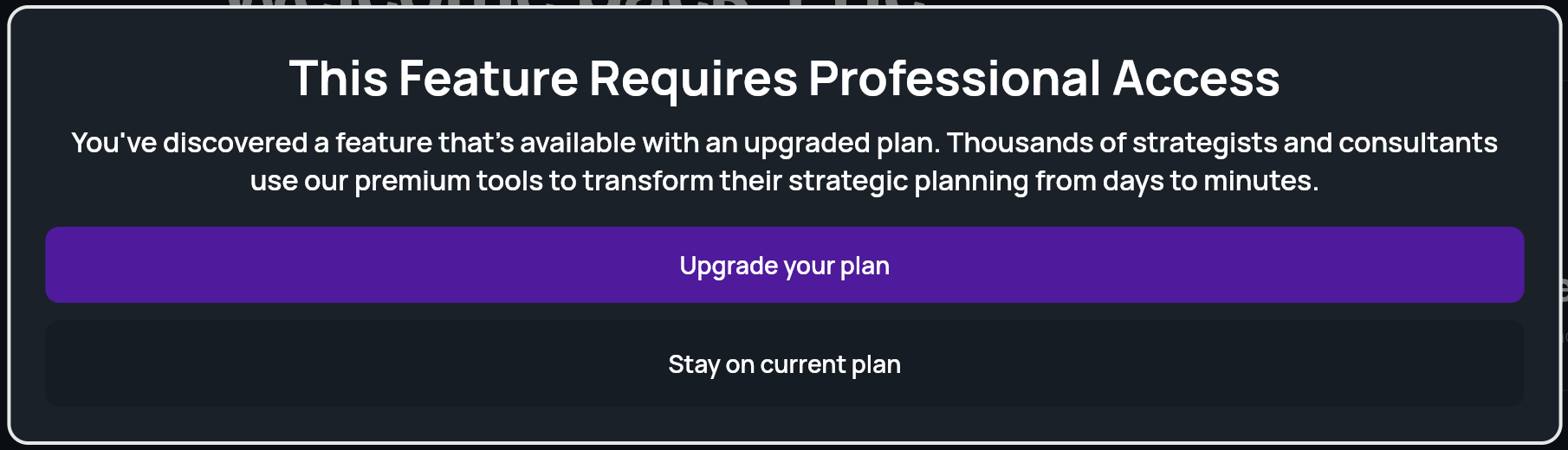
The Proposal Builder is included with the Professional plan. On other plans, including pay-as-you-go, the menu shows Proposal Builder [Upgrade] with a lock, and clicking it opens an upgrade window. See Strategy plans and pricing.
Generate a proposal
1
Open the Proposal Builder
In the side menu, click Proposal Builder. You can also click the Proposal tile on Home.The page is titled Proposal Generation and has two steps: Context and Generate.
2
Describe the client
Under Project Context (Generate a project proposal for your client), fill in what you know about the client:
- Project Name: for your own reference. If blank, StratEngine uses the company name.
- Company Name: the client.
- Business Summary, Industry, Market or Geography, Business Model, Target Customer and Key Products & Services.
3
Generate
Click Generate Proposal. There’s no depth choice for proposals. A progress overlay shows while the proposal is written, and then it opens in the document viewer.
Edit and share the proposal
The proposal opens in the same document viewer as a strategy brief, with the same toolbar:- Edit with AI to change it by chatting with the AI Editor.
- Export to Docs to save it to your export destination.
- View in Browser to print it or save it as a PDF.
- Generate Deck to turn it into a presentation for the client.